Cart
 The hamburger menu icon in the upper right corner of a project file takes you to a series of options including the Cart.
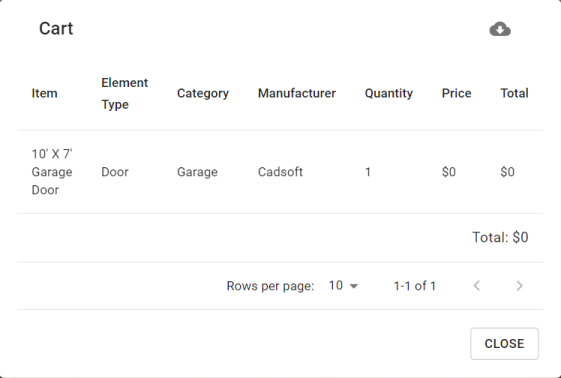
 The Cart is available for Pro memberships. It compiles all the objects in a project into a list that can be downloaded. Each line of the list describes the element, the element type, category, manufacturer, quantity, and price for a comprehensive breakdown of the project.
Click the Download button to save a PDF copy of the list to your device.
Click the Close button  to exit the Cart.