Environment
 The hamburger menu icon in the upper right corner of the screen takes you to a series of options including Environment.
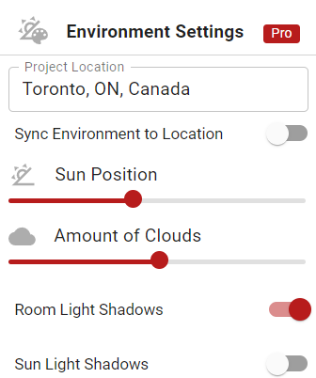
In the Pro version, you can set a project location, the sun’s position, cloud cover, room, and sunlight shadows to give your project more realism in 3D.
Make all of the desired changes to the environment and then click Save to exit the settings.