Filters
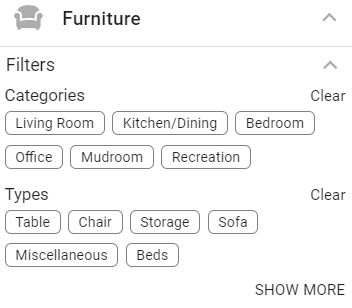
The Catalog houses many elements. To find a specific element easier, you can use filters to pare down the catalog selections.
Each subfolder element type will have different filtering options to pare down the selections and find the best element for your project.
Click on the down arrow beside Filters to reveal the filtering options for each subgroup.
By selecting a filtering option, the catalog choices will shrink to reveal just what you are searching for.
Select Clear to remove the filtering option.
Select Show More to reveal more filtering options.