Top Header Tools
Inside a project, in the upper right of the screen, there are tools that enable you to Save, Exit and access Settings.
 The Save icon in the upper right corner of the scene, saves your work as you go. When you force a save, you can add an iteration note that helps remind you what you did during this revision.
 The Exit icon will take you out of this project and let you start another. You will be prompted to save your changes before exiting. You can type an iteration note with each save to remind you of the project changes you made during that session.
The project will appear in the My Projects area.
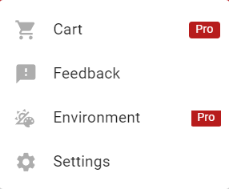
 The hamburger menu icon takes you to a series of options.